For analysts
Draft a report, inspect a join, or start with a question you already know how to check.
Build a SQL query Browse worked examplesSchema-aware text to SQL
Ask questions in plain English. TTSQL uses your database schema and business context to draft SQL you can review, run, and build on.
Show me all customers who signed up last month
1SELECT *2FROM customers3WHERE created_at >= DATE_TRUNC('month', CURRENT_DATE - INTERVAL '1 month')4 AND created_at < DATE_TRUNC('month', CURRENT_DATE);Generates dialect-aware SQL for
Find your starting point
Draft a report, inspect a join, or start with a question you already know how to check.
Build a SQL query Browse worked examplesAdd a schema-aware SQL draft to your application with a project-scoped API request.
Explore the text to SQL API Read the API referenceExplore revenue, customers, and operations with questions and evidence your team can review.
Ask business questions Turn business language into SQLNew to the workflow? Learn how text to SQL works, explore the AI SQL generator, or open the practical guides.
TTSQL treats every prompt as a database workflow rather than an autocomplete: read the question, narrow it with schema context, apply the project's rules, then draft SQL that can be reviewed and corrected.
Securely link a database. TTSQL maps tables, joins, and schema context automatically.
tables, joins, column typesType your question naturally. Our AI understands context, relationships, and business rules.
"revenue by plan this month"Receive validated SQL ready to review and run, with correction loops when static checks identify an issue.
SELECT ... GROUP BY ...Platform
Give TTSQL the structure around your data and every generated query has something to lean on.
Use table names, relationships, sample queries, and project knowledge before drafting SQL.
Describe what you want to see and get a whole dashboard generated from your schema: metrics, trends, breakdowns, filters, and drill-down.
Generate dialect-aware SQL for operational databases and warehouse-style analytics workflows.
Keep database connections organized by project, with encrypted credentials and user-scoped workflows.
Use validation feedback to revise unsafe or invalid drafts before you review them.
Track requests, errors, generated SQL, and project activity from the dashboard and API flow.
Add table descriptions, business terms, example queries, and custom rules to guide the model.
A genuinely native macOS app, written in Objective-C and AppKit rather than Electron. The same prompt-to-SQL workflow, with your connections and history kept on your own machine.
Universal binary. macOS 11 Big Sur or later. Version 1.0.0.
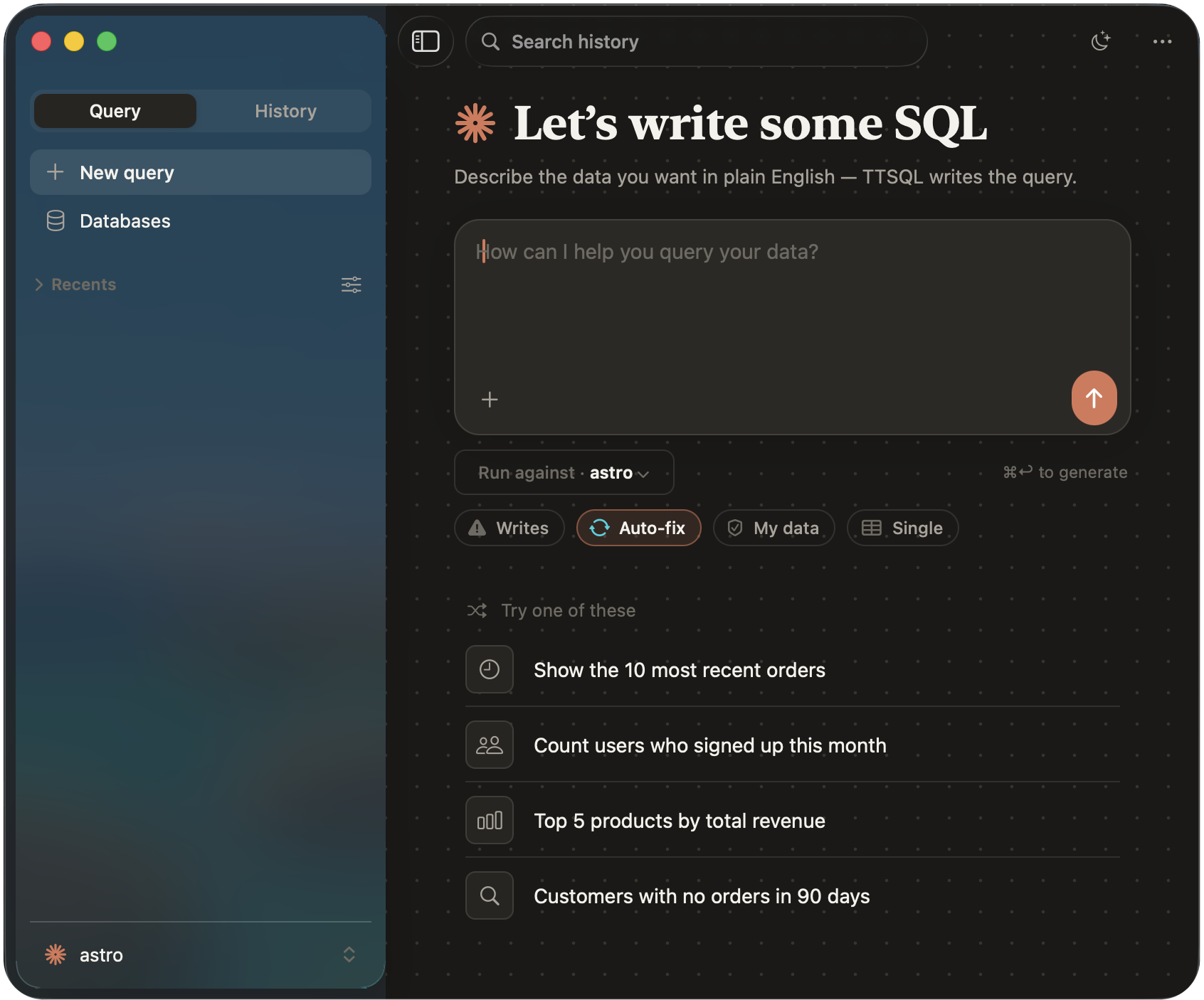
Clear limits, the same SQL engine, and an upgrade path for teams that need governance at scale.
Perfect for exploring the platform
For growing teams and businesses
For power users and larger teams
For large-scale deployments
Accuracy depends on schema quality and the context you provide. TTSQL improves results by grounding prompts in project knowledge, generated SQL review, and correction loops.
Yes. Each project can have its own database connection. Starter includes one PostgreSQL project; Pro and Max support unlimited projects and additional database types. See current plan limits in pricing.
Credentials are encrypted, projects scope database access, and generated SQL can be reviewed before execution. You control what databases and project knowledge are connected.
Our self-correction engine can retry with validation context. If attempts fail, you get the error details for manual review. Corrections are not promoted into future examples automatically.
Yes. Add custom business rules, table descriptions, and example queries to teach the model your domain-specific terminology on each grounded request.
Start with one PostgreSQL project and 20 free requests a day. Explore your data, build a report, or integrate the API.